Connecting an Intercom to a Door Release – Common Mistakes and How to Avoid Them
An intercom with a door release offers both convenience and security, but the installation goes wrong more often than you might think. Incorrect wiring, a missing relay or an unsuitable power supply can mean the door won't open – or stays open. In this article we explain how to connect an intercom correctly to an electromagnetic lock or an electric bolt lock. As an example we use the popular systems from Hikvision combined with YLI locks.
1. How does an intercom with a door release work?
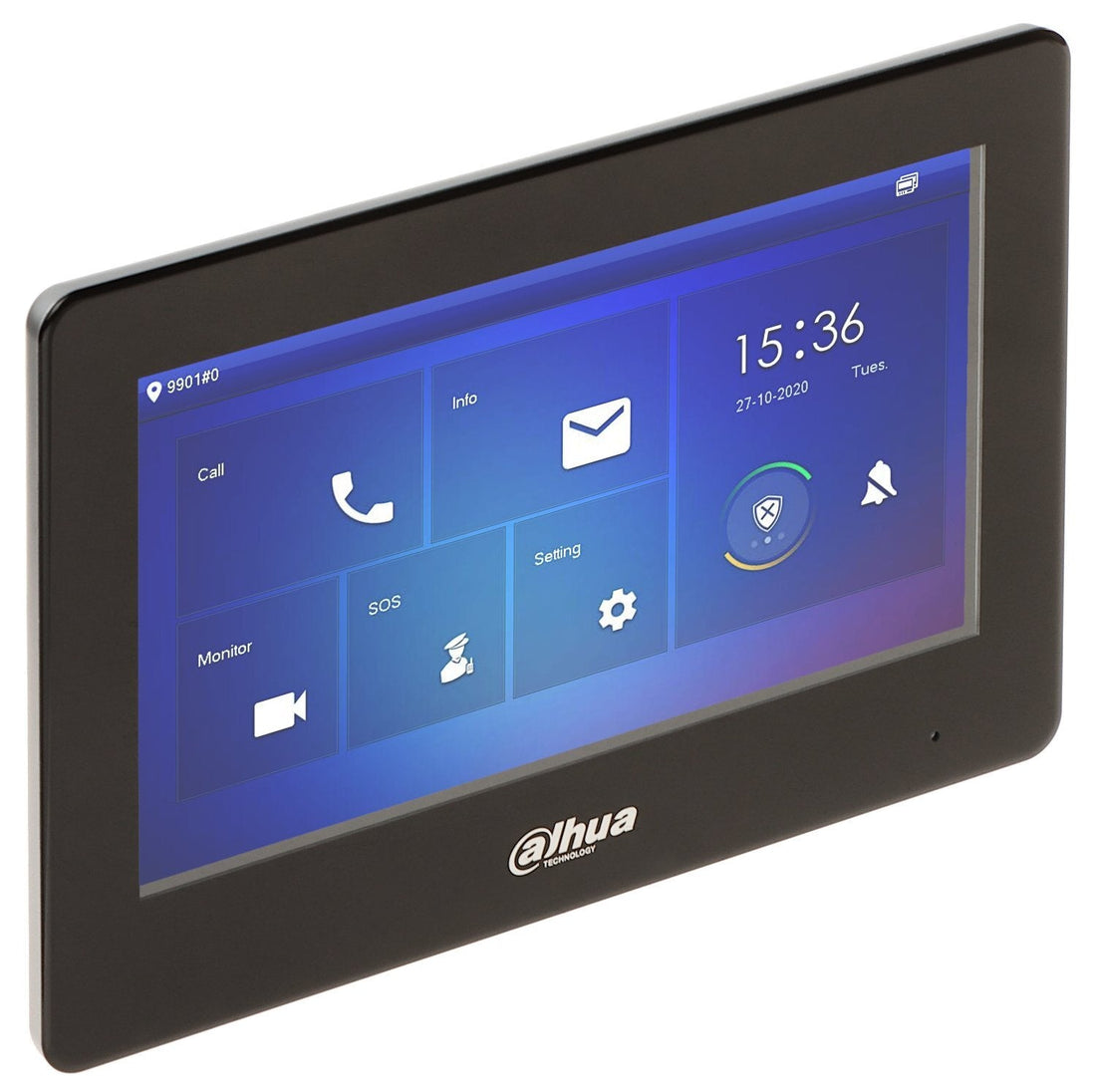
An intercom system (such as the Hikvision DS-KH6320 or DS-KD8003) has a built-in relay or an external module to control the door release. You connect the + and – of the lock to a switching contact that briefly supplies power when you press "open" on the indoor monitor or in the app.
Note: some intercoms switch a relay but don't supply any power. In that case you need a separate power supply for the lock.
2. Which locks can you use?
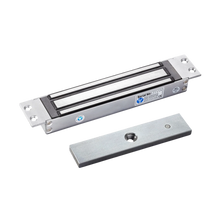
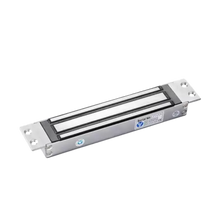
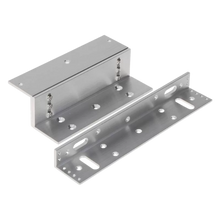
YLI electromagnetic locks (fail safe)
- Unlock during a power failure
- Safe for escape routes
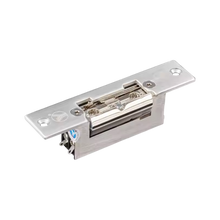
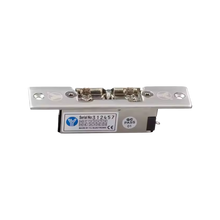
Electric bolt locks (fail secure)
- Stay locked during a power failure
- Better suited to external doors
Check the lock's power consumption (typically 400–600 mA at 12 V) and always use a power supply with enough headroom.
3. Basic wiring: how to connect it
| Component | Connection |
|---|---|
| Intercom unit | NO/COM relay output |
| Lock | +12 V via relay, – directly to power supply |
| Power supply | 12 V DC, at least 1 A |
Step by step:
- Connect NO (normally open) of the intercom relay to the + of the lock
- Connect the – of the lock directly to the – of the power supply
- Connect the + of the power supply to COM (or via an additional relay for higher currents)
- Test via the indoor monitor or app whether the door opens
Fit a diode (flyback diode) in parallel across the lock to absorb voltage spikes when it switches off.
4. Common mistakes
| Mistake | Cause | Solution |
|---|---|---|
| Lock doesn't close properly | Not enough current | Use a power supply with 1–2 A of headroom |
| Door stays open | Wrong relay contact used | Use NO/COM, not NC, for a fail safe lock |
| Intercom doesn't switch anything | No separate power supply | Check whether the intercom itself supplies power |
| Lock gets warm | Continuous voltage | Use a timer relay or a short pulse contact |
5. Alternative: using an external relay module
For higher currents (>1 A) or multiple doors, use a separate relay module (e.g. the Hikvision DS-K2M060).
Advantages:
- Separate power supply per door
- Shorter cabling between lock and relay
- Safer separation between control and power circuits
6. UMATECH product advice
We supply:
- Hikvision indoor monitors and door stations
- Electromagnetic locks from YLI
- 12 V power supplies, relay modules, cables and cable glands
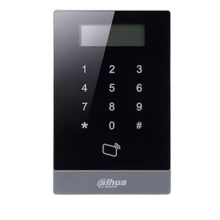
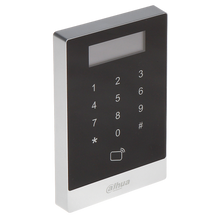
- Access readers and enclosures
We can also supply ready-to-install enclosures complete with power supply, relays and cable management.
UMATECH – open your door without worries.