Power and Data over One Cable – What Is a PoE Switch and Why Do You Need One?
No power socket near your security camera or intercom? Find out what a PoE switch is and how a single network cable can supply both power and data.

When installing security cameras, a smart intercom or fast Wi-Fi access points, the same practical question often comes up: does every device on the façade or ceiling need a power socket nearby?
The answer is no. The solution is a PoE switch. This handy device supplies equipment with both power and data over a single network cable.
What exactly is a PoE switch?
Normally, a network device (such as an IP camera) needs two separate connections:
-
A network cable (UTP) for the internet connection and for transmitting video or data.
-
A power cable with a separate adapter plugged into a socket.
PoE stands for Power over Ethernet. A PoE switch combines these two functions. The unit distributes the network signal and, at the same time, sends safe low voltage over exactly the same network cable.
The benefits at a glance
-
No power sockets needed at the device: Is a camera mounted high up under the eaves, or an access point in the middle of the ceiling? There's no need to install a 230 V wall socket; a single thin network cable is enough.
-
Less cable clutter and drilling: Fewer loose leads and adapters make for a neat, professional finish.
-
Central management: Has a device frozen? With a smart (managed) switch, you can cut the power to that specific port remotely to restart the device, without having to get the ladder out.
-
Easy to protect against power outages: If the central PoE switch is connected to a backup battery (UPS), all connected cameras and sensors keep working during a power cut.
Which devices work with a PoE switch?
A PoE switch is the central link for a wide range of modern security and network equipment:
-
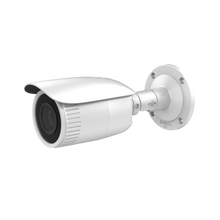
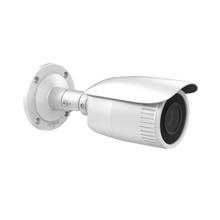
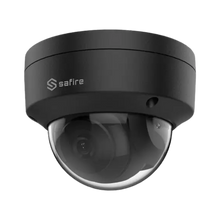
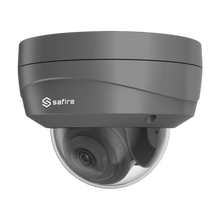
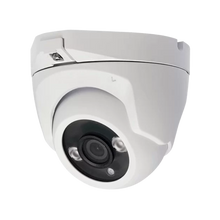
IP security cameras: Smooth HD or 4K video without the hassle of separate adapters (such as cameras from Dahua, Hikvision or UniFi Protect).
-
Intercom systems & smart doorbells: Both the door station at the front door and the indoor monitor are powered directly.
-
Wi-Fi access points: Optimal placement on walls or ceilings for maximum wireless coverage.
-
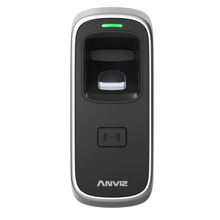
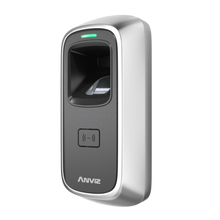
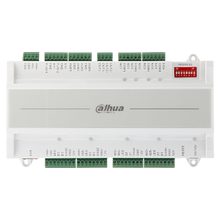
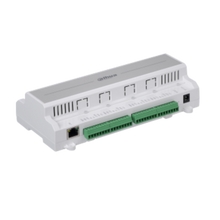
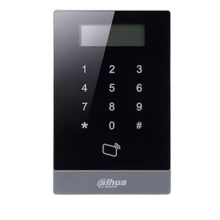
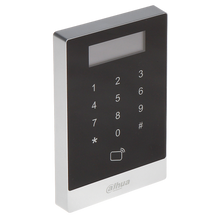
Access control: Keypads, card readers and control modules are easy to connect centrally.
A stable, well-organised installation
For reliable and secure operation, a PoE switch is often installed together with the network video recorder (NVR) and router in a compact wall-mounted network cabinet or server rack. This keeps all sensitive hardware protected against dust, overheating and unauthorised access.
With the right PoE switch, quality network cables and a clear layout, any security or network project can be set up quickly, neatly and in a future-proof way.