Uniview Model Numbers Explained – How to Read a UNV Model Name
In this article we explain step by step how Uniview (UNV) IP camera and NVR model numbers are structured. Once you've read it, you'll know exactly what every digit and letter means, making it much easier to compare UNV models.

Anyone leafing through a Uniview camera catalogue for the first time soon loses track. A model number such as IPC3614SR3-ADF28KM-G runs to no fewer than 23 characters and at first glance looks like a random jumble of letters. Yet there is a fixed logic behind it.
In this article we explain step by step how Uniview (UNV) IP camera and NVR model numbers are structured. Once you've read it, you'll know exactly what every digit and letter means, making it much easier to compare UNV models.
Uniview cameras: how an IPC model number is structured
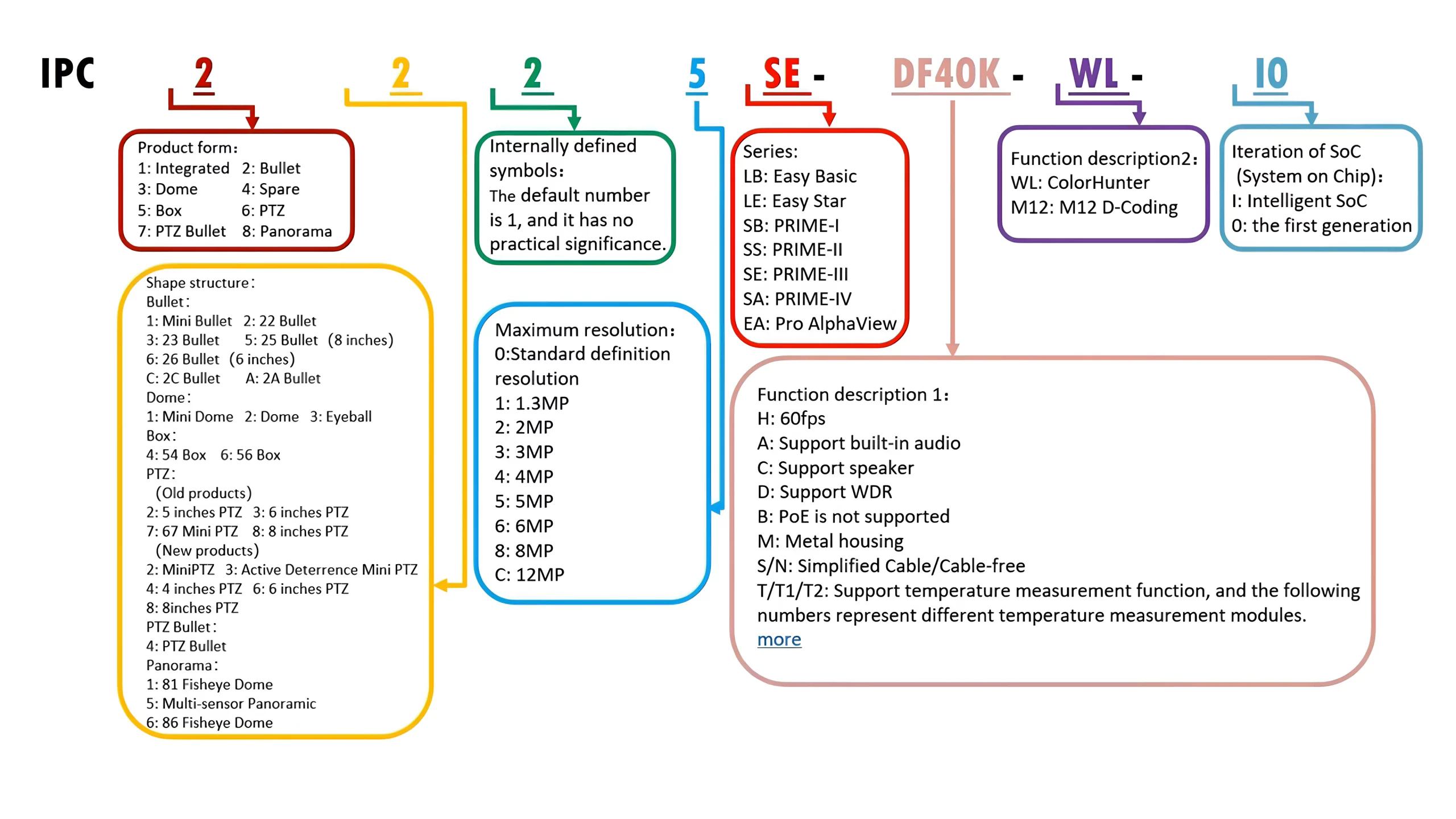
Every Uniview IP camera model number starts with the letters IPC. That tells you straight away that it's a camera rather than a recorder. IPC simply stands for IP Camera, so it's easy to remember.
1. Main code: the camera type
Directly after IPC comes the main code, usually 3 or 4 digits – for example IPC325, IPC3614 or IPC6612. The first digit tells you what type of camera it is:
| Code | Camera type |
|---|---|
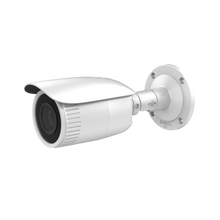
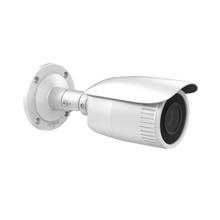
| 2xxx | Bullet camera |
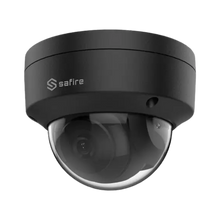
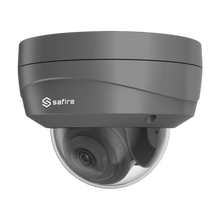
| 3xx | Dome camera |
| 3xxx | Turret camera |
| 6xxx | PTZ dome camera |
| 8xx | Fisheye or panoramic camera |
| 9xxx | Dual-lens PTZ dome |
2. Subcategory: narrowing down the type
The second digit is the subcategory. Together with the main code, it gives you a more precise picture of the camera. A 31x, for example, is a low-profile mini dome, a 32x is a standard fixed-lens dome and a 323x is a dome with a varifocal lens. In other words, the first two digits of the model number together form the main category and subcategory.
The most common subcategories:
| Code | Description |
|---|---|
| 21xx | Mini bullet camera |
| 22xx | Fixed-lens bullet camera |
| 23xx | Varifocal bullet camera |
| 31x | Low-profile dome |
| 32x | Fixed-lens dome camera |
| 323x | Varifocal dome |
| 361x | Fixed-lens turret camera |
| 363x | Varifocal turret camera |
| 64xx | 4-inch PTZ camera |
| 66xx | Standard PTZ camera |
| 68xx | 8-inch PTZ camera |
| 81x | Fisheye camera |
| 854x | OmniView camera |
| 86x | Pro fisheye camera |
3. Resolution: the last digit of the main code
The last digit of the main code indicates the resolution in megapixels, for example IPC324 or IPC2328. A few examples:
| Model number | Resolution |
|---|---|
| IPC3232SB-ADZK-I0 | 2 MP |
| IPC2124SR3-ADF28KM-G | 4 MP |
| IPC3615SE-ADF28KM-WL | 5 MP |
| IPC328SB-ADF40K-I0 | 8 MP |
4. Product series: the two letters after the digits
After the resolution come two letters that show which Uniview product line the camera belongs to:
| Code | Series |
|---|---|
| LB | Easy series |
| LE | Easy Star series |
| SB | Prime-I series |
| SS | Prime-II series |
| SE | Prime-III series |
| SA | Prime-IV series |
| EA | Pro AlphaView series |
5. Feature codes: what the camera can do
Finally, usually after a hyphen, come the feature codes. Take IPC3614SR3-ADF28KM-G: every letter after SR3- stands for a feature. This camera has a built-in microphone (A), supports WDR (D), has a fixed 2.8 mm lens (F28), an SD card slot (K) and a metal housing (M).
The full overview:
| Code | Meaning |
|---|---|
| H | Supports 60 fps |
| A | Built-in microphone |
| C | Built-in speaker |
| D | Supports WDR |
| K | SD card slot |
| M | Metal housing |
| S / N | Simplified cabling / cable-free |
| W | Wi-Fi |
| F / Z | Fixed lens / motorised zoom lens |
| G | SFP port (fibre connection) |
| WL | White light (ColorHunter series) |
Note: the very last code in the model number, such as -G or -I0, is an exception. It indicates the chipset version and is mainly intended for Uniview's internal use.
Uniview recorders: how an NVR model number is structured
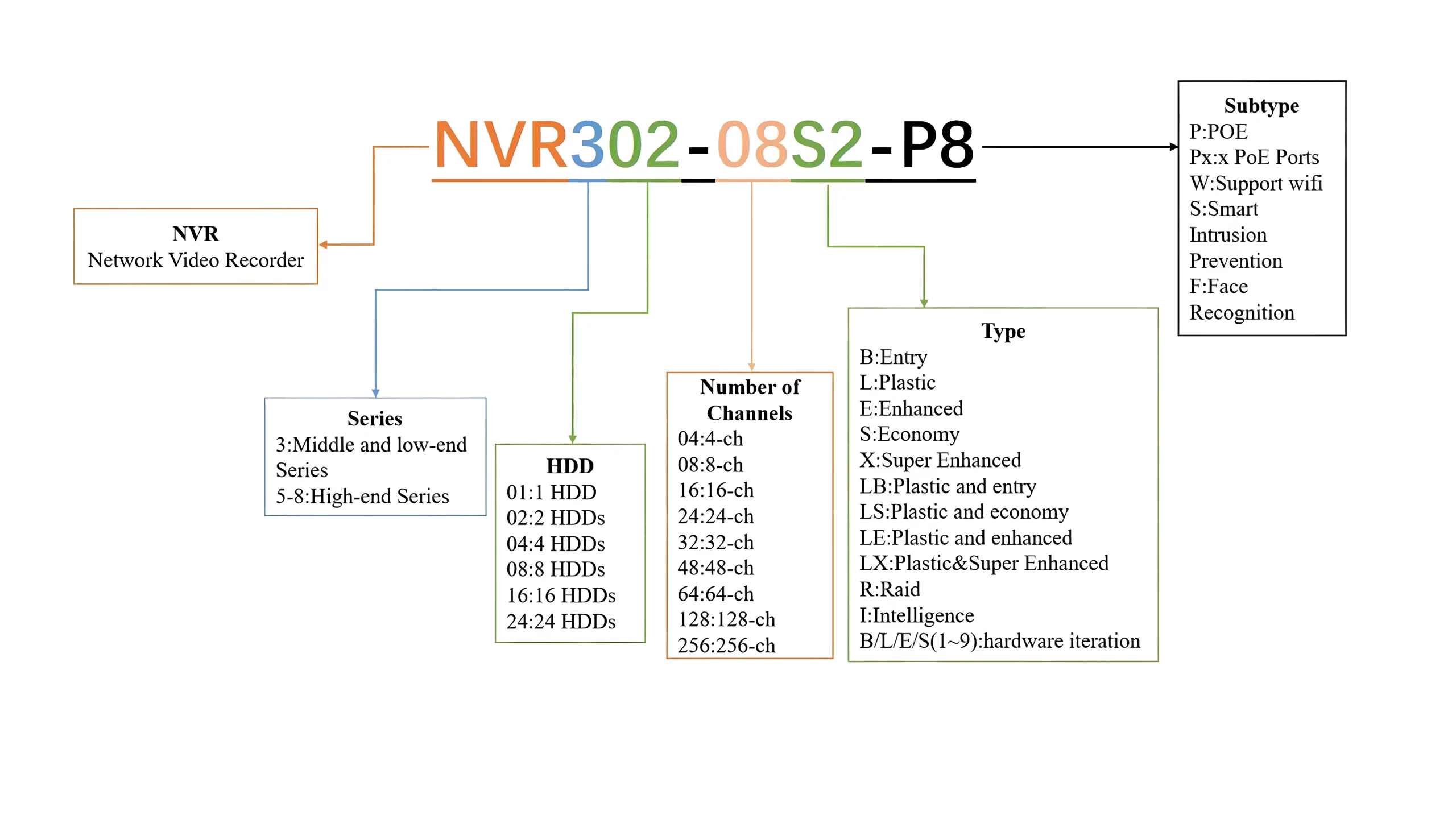 Uniview network video recorders start with NVR, hybrid recorders with XVR. For recorders, the naming mainly comes down to two things: how many hard drives fit inside and how many cameras you can connect. On top of that, a type and subtype code tell you which extra features the recorder has.
Series and number of hard drives
The first digit after NVR indicates the series. Most of the range falls into the 300 series: entry-level and mid-range recorders. If the number starts with 5 to 8, you're dealing with a high-end recorder.
The second and third digits stand for the number of hard drives. An NVR301 holds one drive, an NVR308 eight. An NVR824 can even take 24 hard drives.
Number of channels
You can tell how many cameras a recorder supports from the number directly after the first hyphen. Take the NVR302-08S2-P8: the -08S2 part means it's an 8-channel recorder.
Type and subtype
The letters after the channel count indicate the type, i.e. the series the recorder belongs to. The subtype at the end tells you whether the recorder supports PoE or Wi-Fi.
An example: the NVR301-04X-P4 belongs to the X series. These recorders are passively cooled (no fan), support VCA and Smart Search, and record in full 8 MP on all channels. The -P4 subtype means the recorder has four PoE ports, so you can supply cameras with both power and data over a single cable.
Conclusion
A Uniview model number looks complicated, but it's really a short summary of the specifications. With the tables above, you can see at a glance whether you're dealing with a dome or a bullet, what resolution the camera has and which features it includes. That way you can compare UNV cameras and recorders faster and choose the right model with more confidence.